In this article
Build a reliable map of your employer, card program and available services before relying on a feature or opening a support request.
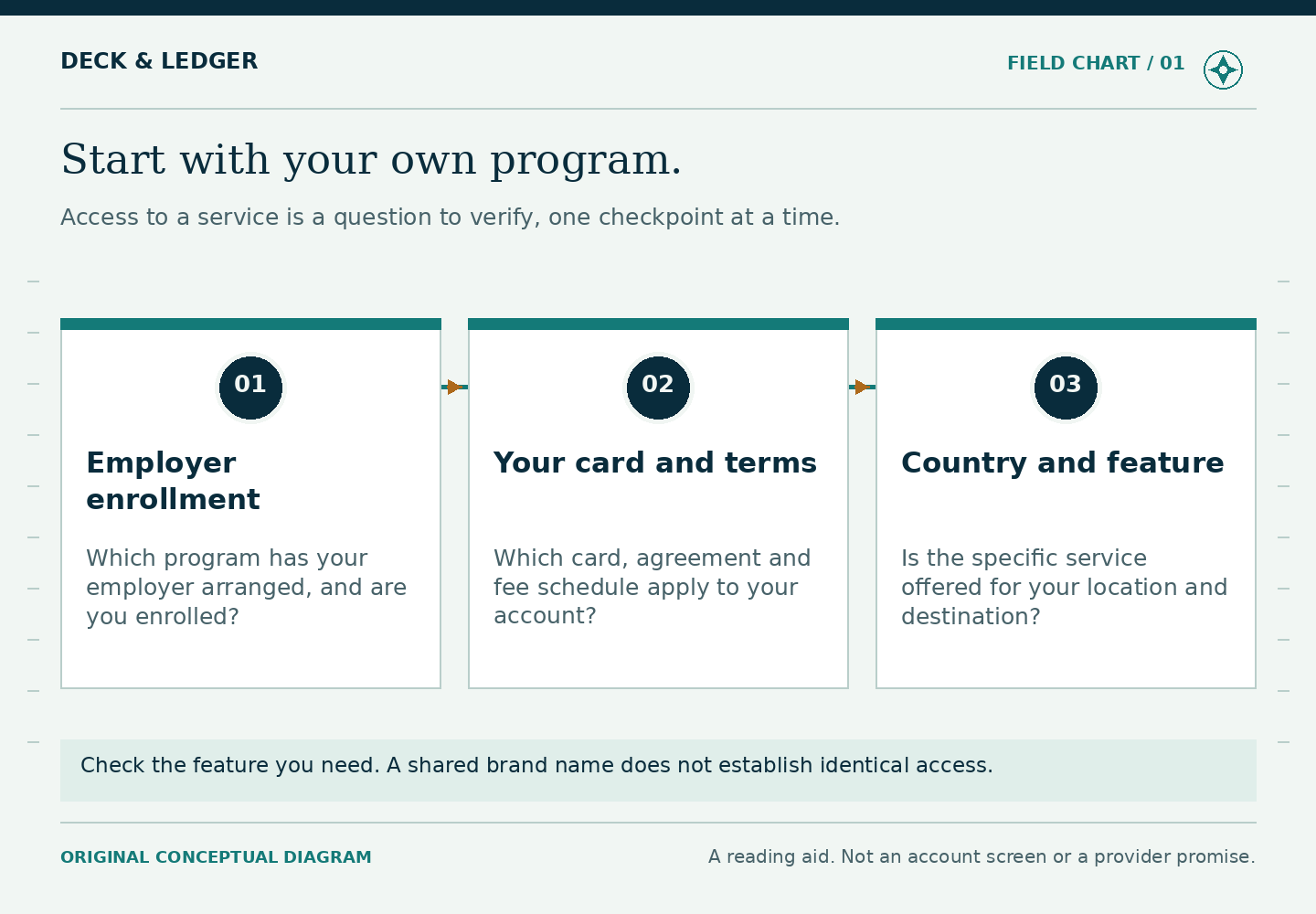
A crew member, a payroll officer and a business developer can all search for Brightwell and need entirely different answers. The common name is not enough to establish who may enroll, which account is involved or which service moves the money. Begin with the arrangement your employer actually provides. This guide helps you turn scattered information into a practical program record that you can use throughout a contract.
Start with the employment arrangement
Brightwell’s current public site centers on maritime crew payments. Its Navigator maritime material addresses employers managing crew payroll. Neither establishes that any member of the public can independently open the same crew account. A website login or app download is not proof of enrollment eligibility.
Ask the employer or authorized crew office which program applies to your contract, when you receive its documents and who handles enrollment questions. If you are a returning crew member, ask whether the existing arrangement continues. A new vessel, employer or employment period is a reason to check; it is not a reason to create a duplicate account on your own. Keep the answer with the contract’s payroll instructions.
The useful question is specific: “I am joining this vessel under this employer. Which Navigator enrollment instructions and card agreement apply to me?” That gives the crew office something it can verify. “How do I get Brightwell?” can lead to a sales page, an old welcome pack or advice intended for a different group.
Separate the names before following the instructions
Older Brightwell corporate product material distinguishes Navigator payroll from ReadyRemit’s embedded cross-border payment offering. Latitude documentation describes business-to-consumer payouts such as refunds and reimbursements. Those are useful distinctions, not evidence that a crew member can enroll in every product named in a search result.
A business integration page may discuss an API, batch file, prefunded program or a client’s customers. Those concepts belong to the organization delivering a service. They do not tell you how to activate your own payroll card. Likewise, a consumer receiving a company’s refund should follow that company’s verified payout instructions, rather than assume the payment belongs in an existing Navigator balance.
Make a habit of reading the page’s audience before its features. Does it ask a company to book a demonstration? Does it ask a crew member to sign in? Does it describe software integration? The answer often explains why a promising instruction is absent from your account. Product names and business ownership can change; the current terms for the particular service are the controlling reference.
Build a six-part program record
- Employer and contract: note the legal employer named in your payroll paperwork and the relevant contract period.
- Program: copy the exact card or account label, rather than describing its color.
- Issuer and network: record the institution and payment network named in your documents as separate entries.
- Currency: identify the currency in which the account balance is maintained.
- Documents: retain the agreement, fee schedule and any employer payroll instructions, including their dates.
- Verified help: record how to reach the crew office and how to find the official account-support route.
This is an index, not a collection of secrets. It does not need a full card number, security code, PIN, password, identity-document image or recovery code. If you keep a copy offline, exclude those details. You should be able to use the record to select the right instructions without turning it into a ready-made account-access kit for someone else.
Give each organization the right question
Start a wages question with the employer: what period was paid, what adjustments were made, what allocation was instructed and when payroll was released? Start an account-activity question with the official account channel: what entry is showing, what status is recorded and which reference identifies it? Start a receipt question with the merchant: what was authorized, what was finally billed and what was canceled?
These are starting points, not promises that only one party will be involved. Sometimes the employer needs a transaction reference from the provider or the provider needs a merchant receipt. Your task is to carry the minimum necessary evidence between them. Sending the same vague complaint everywhere rarely makes the missing step easier to identify.
For example, “My balance is lower than my payslip” could describe a payroll allocation, spending after payday, a fee, a transfer or an unresolved error. A record of the opening balance, pay allocation and dated activity is more informative than the balance alone. Our payroll reconciliation guide turns that question into a traceable calculation.
Sort feature claims into three piles
Documented for you: a current agreement, employer instruction or account screen clearly identifies the feature and its conditions. Advertised generally: a public page describes a capability, but you have not confirmed it for your account. Unverified: a coworker’s recollection, old video, search snippet or forwarded screenshot supplies the only evidence.
The second and third piles are questions to resolve, not features to budget around. A transfer method can exist while being unsuitable for your destination, recipient or program. A card control can be described publicly while absent from a particular account. If the interface differs, first establish applicability. Repeatedly reinstalling an app will not resolve a program restriction.
When asking support, include the exact feature name and the task you want to accomplish. “Can my account send to this delivery method in this country?” is clearer than “Can I transfer internationally?” Avoid including a recipient’s full account details in the initial general inquiry. There is no need to disclose them before the route is confirmed.
Read fees as a set of separate decisions
The U.S. CFPB’s prepaid-disclosure explainer distinguishes fees for account use, transactions and services. It is a vocabulary aid, not a Brightwell price list or proof that U.S. rules cover every seafarer’s account. Find your own schedule and relate each line to a task you expect to perform.
Instead of asking whether the program is “free,” write down three realistic activities: receiving wages, getting a modest amount of port cash, and sending a chosen amount home. For each, identify which current document or quote will answer the cost question. Leave unknown amounts blank. A blank is an honest reminder to check; inserting a coworker’s fee converts uncertainty into a misleading budget.
Do the same for limits. A transaction limit, a daily limit and a recipient’s capacity can be different constraints. The right question is which one applies to the planned action. Never break payments into pieces simply to get around a verification or compliance restriction. Ask the provider for the permitted process.
A worked example: one name, three different tasks
Imagine Rina is joining a vessel and finds three pages. One promotes payroll tools to cruise operators. Another explains crew enrollment. A third describes business refunds. She initially assumes all three describe one app account. Her program record changes the next steps: the employer-facing page explains context; the enrollment material supports the process her crew office supplies; the refund documentation is unrelated to setting up wages.
Rina also sees a transfer method in a colleague’s app. Rather than assuming it is missing by mistake, she asks whether it is available in her program and destination. She records the answer without copying the colleague’s fee. Later, when her first payday arrives, she compares actual payroll instructions and account activity instead of expecting the entire net wage to appear on one card.
The value of this exercise is not an elaborate filing system. It prevents a real decision, such as promising a family member a delivery date, from resting on information about somebody else’s service. The same record becomes useful again when Rina changes contracts or needs help from shore.
Know when the record needs refreshing
Recheck the record when the employer supplies revised terms, the card is replaced under a different program, you move residence, a service disappears or you prepare to leave the vessel. Keep earlier documents labeled with their dates instead of silently treating them as current. If two official documents disagree, ask which version governs your account and save the response.
Before the first financial commitment, you should be able to answer four questions: who provides the payroll arrangement, which account you are using, which terms support the planned action and which official route can resolve a problem. If one answer is missing, that is the next task. For practical preparation, continue with the before-embarkation checklist.